

Comprehensive Dify tool provider for managing Cursor Background Agents on GitHub repositories.
Cursor Background Agents - Dify Plugin
A comprehensive Dify tool provider for integrating with Cursor Background Agents API, enabling autonomous AI-powered coding workflows in your applications.
Author: lysonober
Version: 0.0.1
Type: Tool
🤖 What are Cursor Background Agents?
Cursor Background Agents are autonomous AI-powered coding agents that work independently on your GitHub repositories. Think of them as skilled developers who can:
- Understand complex prompts and translate them into working code
- Make intelligent decisions about file structure, dependencies, and implementation approaches
- Run tests and iterate on solutions until they work correctly
- Create pull requests with clean, production-ready changes
- Work asynchronously while you focus on other tasks
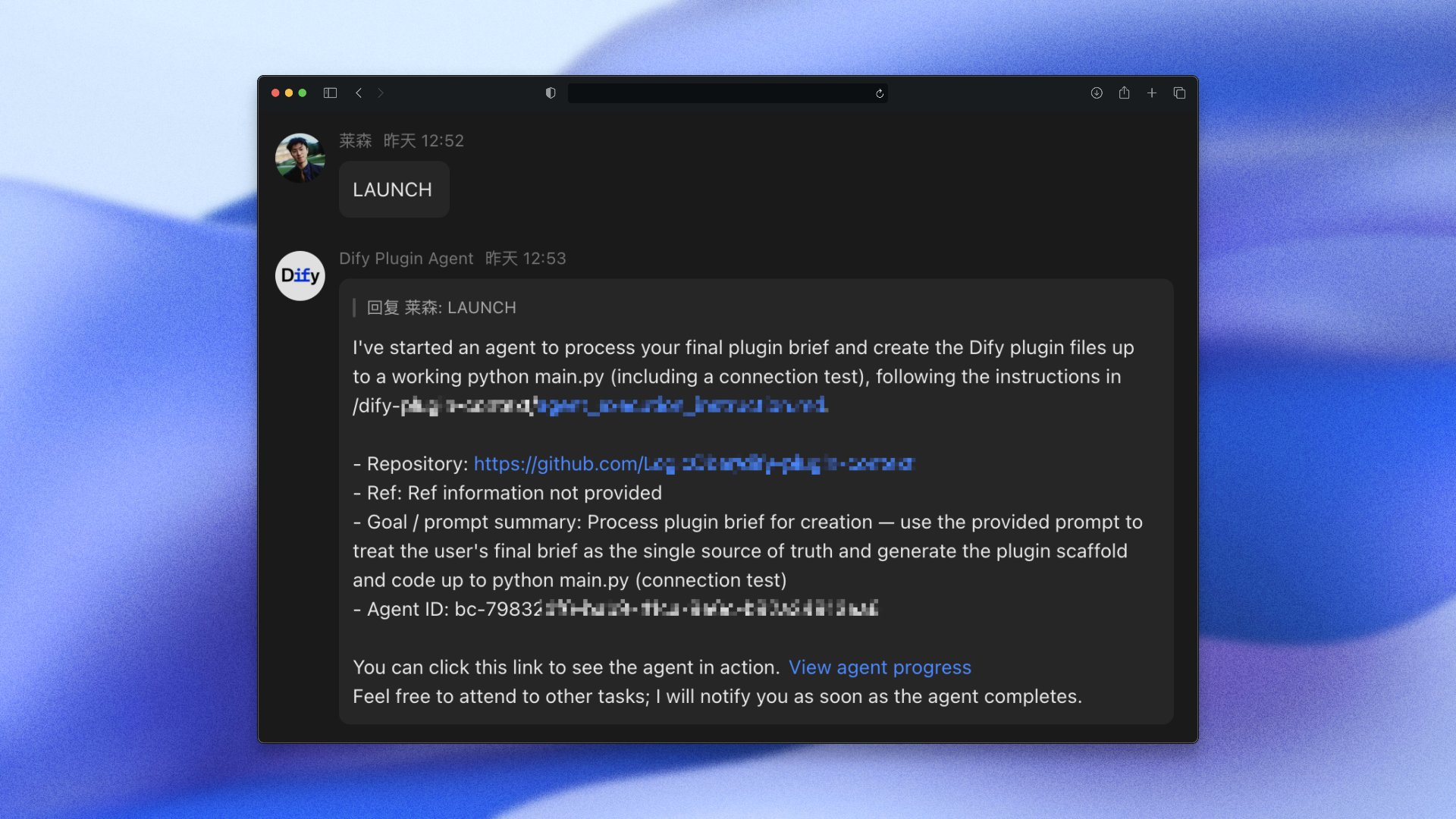
✨ Key Capabilities
| Feature | Description |
|---|---|
| Autonomous Code Generation | Agents understand your requirements and implement complete features |
| Repository Integration | Direct GitHub integration with automatic branch management and PR creation |
| Intelligent Problem Solving | Agents can debug, test, and refine their own code |
| Scalable Workflow | Support for up to 256 concurrent agents per API key |
| Follow-up Instructions | Send additional requirements to running agents |
| Environment Awareness | Automatically detects and uses your project's setup (package.json, requirements.txt, etc.) |
🚀 Overview
This Dify plugin provides a complete interface to manage Cursor Background Agents on no-code canvas, allowing you to:
- Launch background agents on GitHub repositories
- Monitor agent status and progress in real-time
- Send follow-up instructions to running agents
- Retrieve conversation logs and agent outputs
🎯 Real-World Use Cases
For Product Teams:
- Feature Development: "Add user authentication with email verification and password reset"
- Bug Fixes: "Fix the memory leak in the image processing pipeline"
- Documentation: "Generate comprehensive API docs with examples for all endpoints"
For DevOps & Maintenance:
- Dependency Updates: "Upgrade React to v18 and fix all breaking changes"
- Test Coverage: "Add unit tests for the payment processing module"
- Code Refactoring: "Convert all class components to functional components with hooks"
For Content & Automation:
- Data Processing: "Parse CSV files and generate interactive charts"
- Integration Tasks: "Integrate Stripe payments with error handling and webhooks"
- Performance Optimization: "Optimize database queries and add caching layer"
🎯 Plugin Features
- GitHub Integration: Seamless repo cloning and branch management
- Real-time Monitoring: Track agent progress with live status updates
- Interactive Communication: Send follow-ups and adjust agent behavior
- Webhook Support: Receive status change notifications for automation
- Model Selection: Choose from Max Mode-compatible models (Claude, GPT-4, etc.)
- Environment Setup: Support for configurations
📋 Prerequisites
- Cursor API Key: Create in Cursor Dashboard → Integrations
- GitHub Permissions: Grant access to target repositories
- Dify Instance: Version compatible with custom tool providers
🚀 Quick Start
1. Get Your API Key
- Navigate to Cursor Dashboard → Integrations
- Create a new API key for Background Agents
- Copy the token (starts with )
2. Setup in Dify
- Go to Tools → Providers in your Dify workspace
- Add Cursor Background Agents provider
- Enter your API key in the credentials field
- Enable the tools you need from the three categories below
3. Launch Your First Agent
4. Monitor Progress
- Use Agent Status to check progress
- Use Agent Conversation to see detailed logs
- Click the progress URL for live dashboard view
🛠️ Installation
-
Configure Provider Credentials:
- Add your Cursor API Key in Dify's tool provider settings
- Format: Bearer token (paste only the token part)
-
Add Tool Categories:
- Import all tools from the three categories below
- Configure webhook endpoints if needed
📚 Available Tools
🔍 Agent Information Tools
| Tool | Parameters | Description |
|---|---|---|
| List Agents | (1-100, optional) (string, optional) | Retrieve paginated list of all background agents |
| Agent Status | (string, required) | Get current status, progress, and metadata for specific agent |
| Agent Conversation | (string, required) | Fetch conversation messages and interaction history |
⚙️ Agent Management Tools
| Tool | Parameters | Description |
|---|---|---|
| Launch Agent | (string, required) (string, required) (string, optional) (string, optional) (string, optional) (secret, optional) | Create new background agent on specified repository Note: Environment setup via in target repo |
| Add Follow-up | (string, required) (string, required) | Send additional instructions to running agent |
| Delete Agent | (string, required) | Terminate and remove background agent |
🔧 General Utility Tools
| Tool | Parameters | Description |
|---|---|---|
| API Key Info | None | Validate API key and retrieve account metadata |
| List Models | None | Get available Max Mode-compatible models for agents |
| List GitHub Repositories | (1-100, optional) (string, optional) | Browse accessible GitHub repositories |
💡 Usage Examples
Launching a New Agent
Monitoring Progress
- Use Agent Status to check current phase and progress
- Use Agent Conversation to review detailed logs
- Click progress URLs for live dashboard view
Sending Follow-ups
🔗 Environment Setup
For optimal results, commit directly to your target repository:
Example: In your project repository ()
Sample :
When a background agent is launched on your repository, it will automatically detect and use this environment configuration for proper setup.
🎣 Webhooks (Optional)
You can configure webhooks to receive real-time status updates from Cursor Background Agents.
- Set when launching an agent to receive event notifications.
- Provide a for HMAC signature verification to ensure authenticity.
- Handle events (including and states).
💡 Tip: Using webhooks in combination with Supabase Edge Functions is highly recommended for secure, scalable, and low-latency event handling.
Webhook Request Headers
Each webhook request includes the following HTTP headers:
- : HMAC-SHA256 signature in the format
- : Unique identifier for this webhook delivery
- : Event type (currently only )
- : Always set to
⚠️ Known Issues
- Planning Phase Hang: Background agents may occasionally get stuck at "Planning next moves" phase. This is a known limitation of the Cursor platform that will be addressed in future iterations. If this occurs, you may need to delete and restart the agent.
- Error Handling Design Note: Error will not be raised as exceptions (e.g., launching agent errors will not raise and block the program), but will be returned as normal output. This is intentional, so that downstream LLM/agent nodes can handle and notify you of errors without interrupting the workflow. If you require program interruption on error, please be aware of this design.
📖 Learn More
🆘 Support
For issues or feature requests:
- X(Twitter): https://x.com/lyson_ober
- Email: [email protected]
📄 Privacy
This plugin acts as a passthrough to Cursor's API and stores no data locally. Refer to Cursor's Privacy Policy for data handling details.
Made with 💙 for the Dify community