

Gmail
0.0.1
Connect Gmail inbox in Dify
gu/gmail455 installs
This plugin has been deprecated due to business adjustments, and will no longer be updated. Please use langgenius/dify-gmail instead.
Retrieves Email from your Gmail inbox matching filter criteria. Source code available here.
To configure OAuth Client:
1. Create a new project in Google Cloud Console
Enable Gmail APIs and configure the OAuth consent screen. Publish the app or enter test users as needed.
2. Fill in credentials in Dify
On Gmail tool's OAuth Client Setup popup, fill in the auth credentials from the Google OAuth Client you configured:
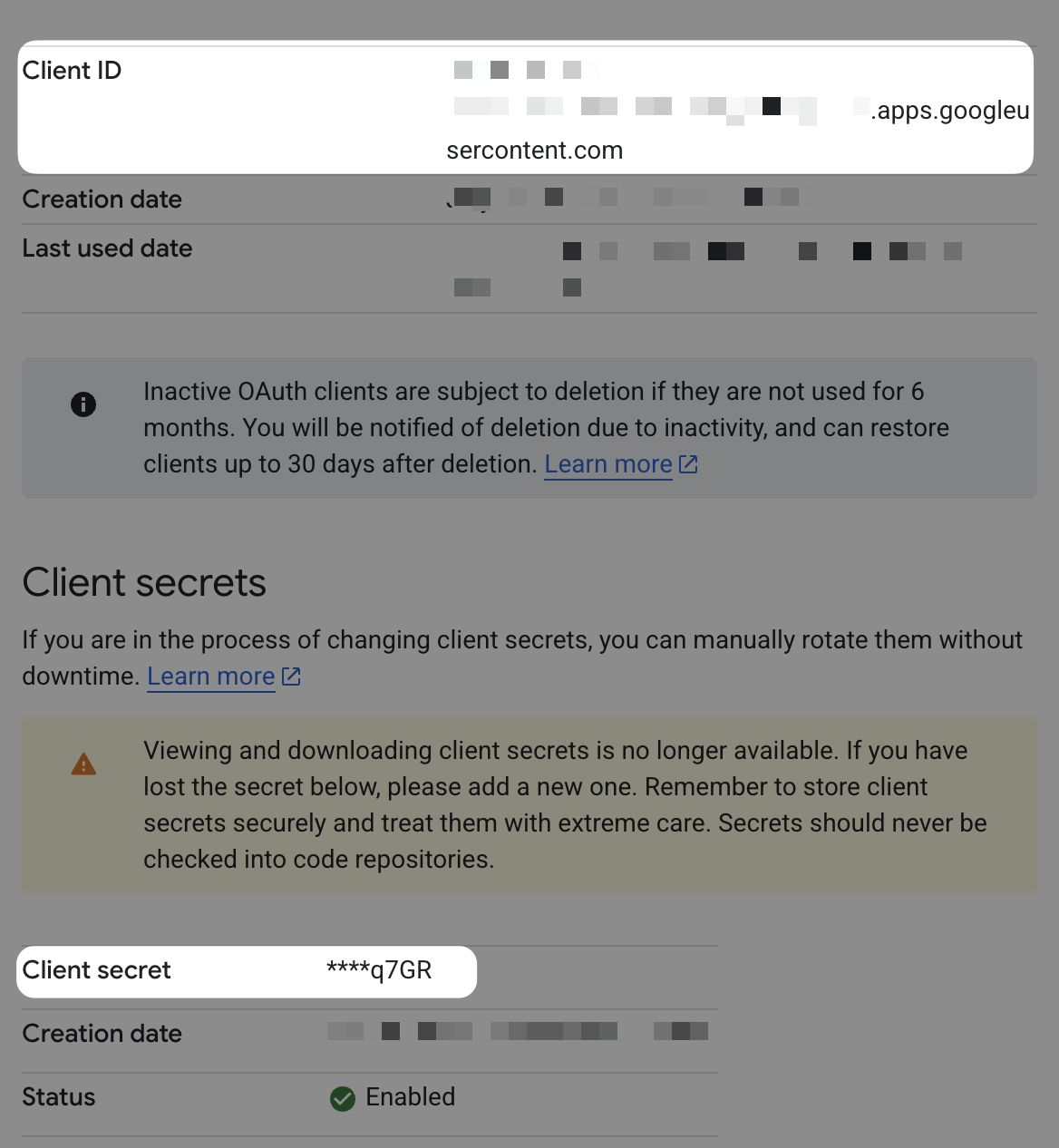
3. Authorize the Redirect URI in Google Cloud Console
Dify displays the in the OAuth Client configuration popup:
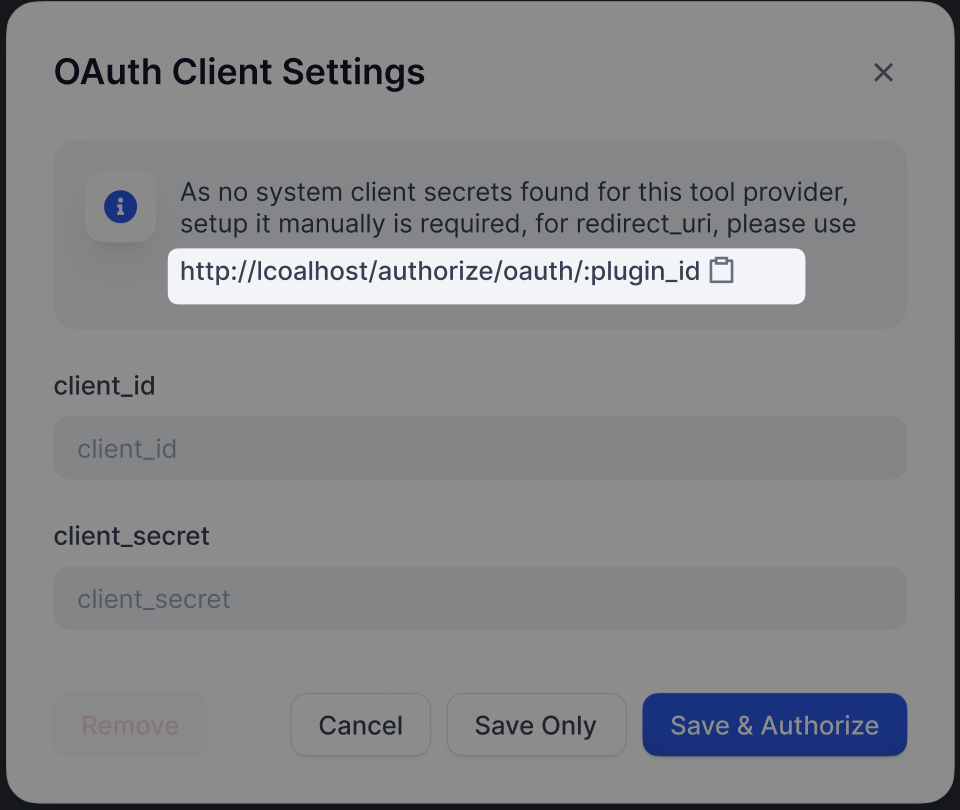
Enter this as the Authorized redirect URI in your OAuth Client’s page in Google Cloud Console.
4. Click on to finish the OAuth setup
CATEGORY
Tool
VERSION
0.0.1
gu·07/28/2025 03:19 AM
REQUIREMENTS
Maximum memory
256MB